Earn, Refer & Grow Your Network Rewards
Token Rewards Platform
A comprehensive network rewards platform enabling users to earn through network connections, referrals, social challenges, and streak-based rewards. Full responsive design system across desktop and mobile with light and dark themes.
Rewarding Network Participation
Network reward platforms often struggle with complexity - multiple earning mechanisms, tier systems, and referral programs need to be unified into a clean experience that motivates continued engagement without overwhelming users.
Information Density
Multiple earnings sources (referrals, challenges, streaks) need clear hierarchy
Tier Progression
Users need to understand their position and what unlocks at next levels
Cross-Platform Consistency
Desktop and mobile users need equally capable experiences
Dashboard & Network Status
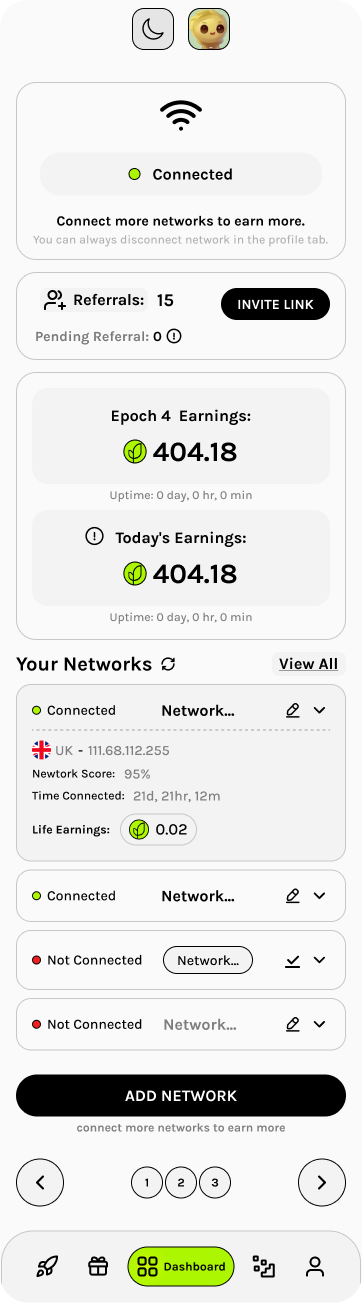
The mobile dashboard surfaces key metrics immediately: connection status, referral count, epoch earnings, and network list. The bottom navigation provides quick access to Referral, Rewards, Dashboard, Challenges, and User settings.
Challenges & Streak Rewards
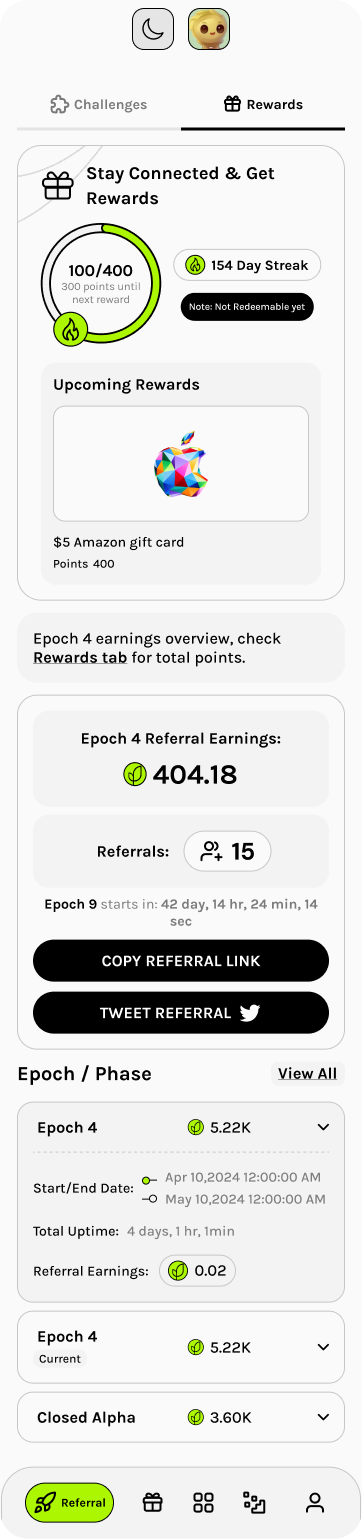
The Challenges tab shows available tasks (follow on X, connect devices) with clear point values. Completed challenges stack below. The Rewards tab displays streak progress, upcoming gift cards, and epoch phase history.
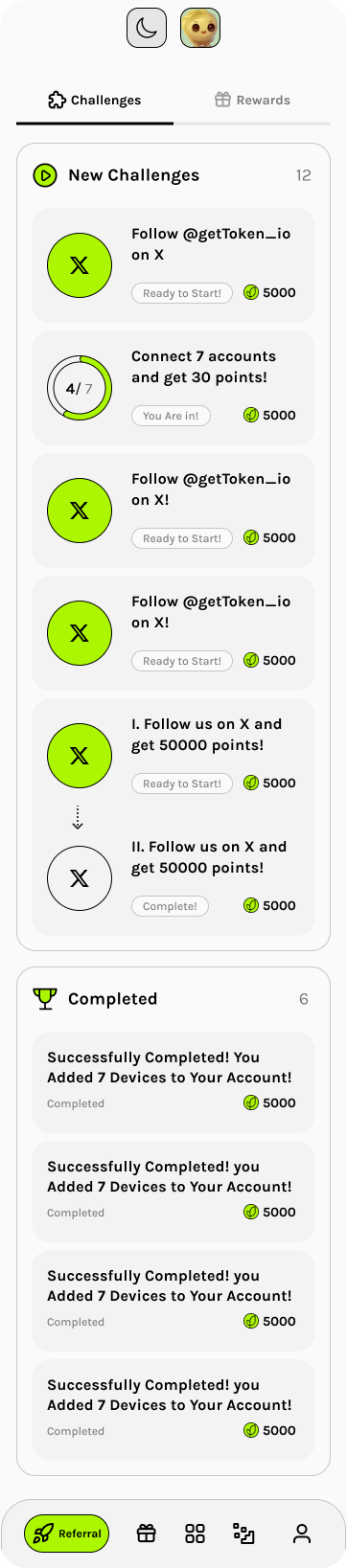
Challenge Card Anatomy
- -Task icon (X logo, connection indicator)
- -Challenge description with clear action
- -Status badge: Ready to Start, You Are In!, Complete!
- -Point reward with token icon (5000 pts)
- -Sequential challenges shown with dotted connector
Rewards Features
- -Day Streak counter (154 Day Streak)
- -Circular progress toward next reward
- -Upcoming rewards preview (Amazon gift cards)
- -Epoch earnings with referral link sharing
- -Epoch/Phase collapsible history
Tiered Referral System
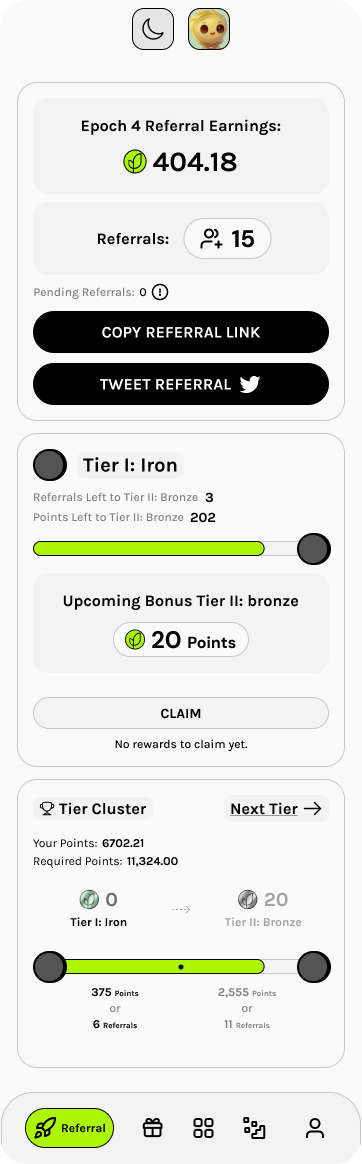
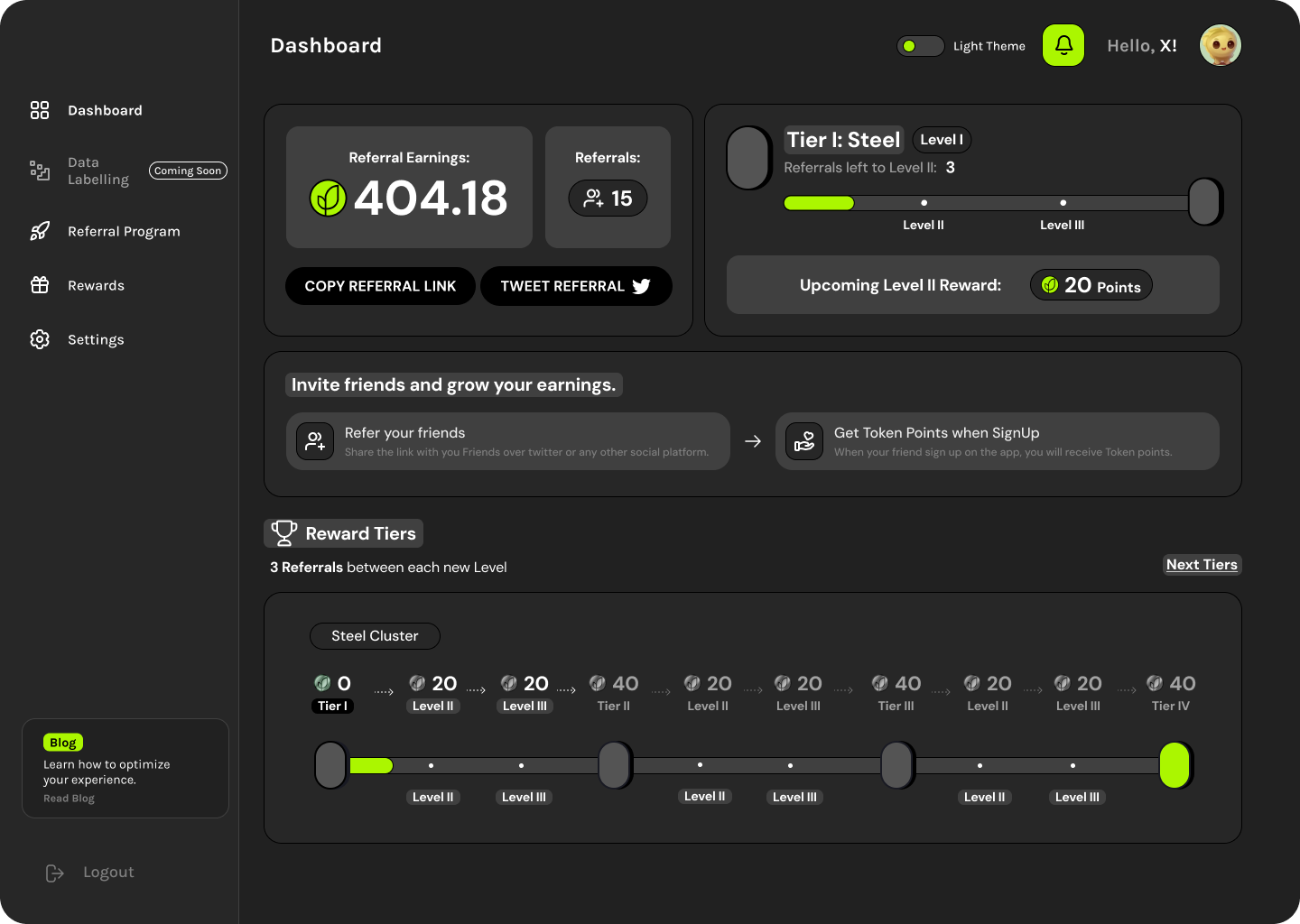
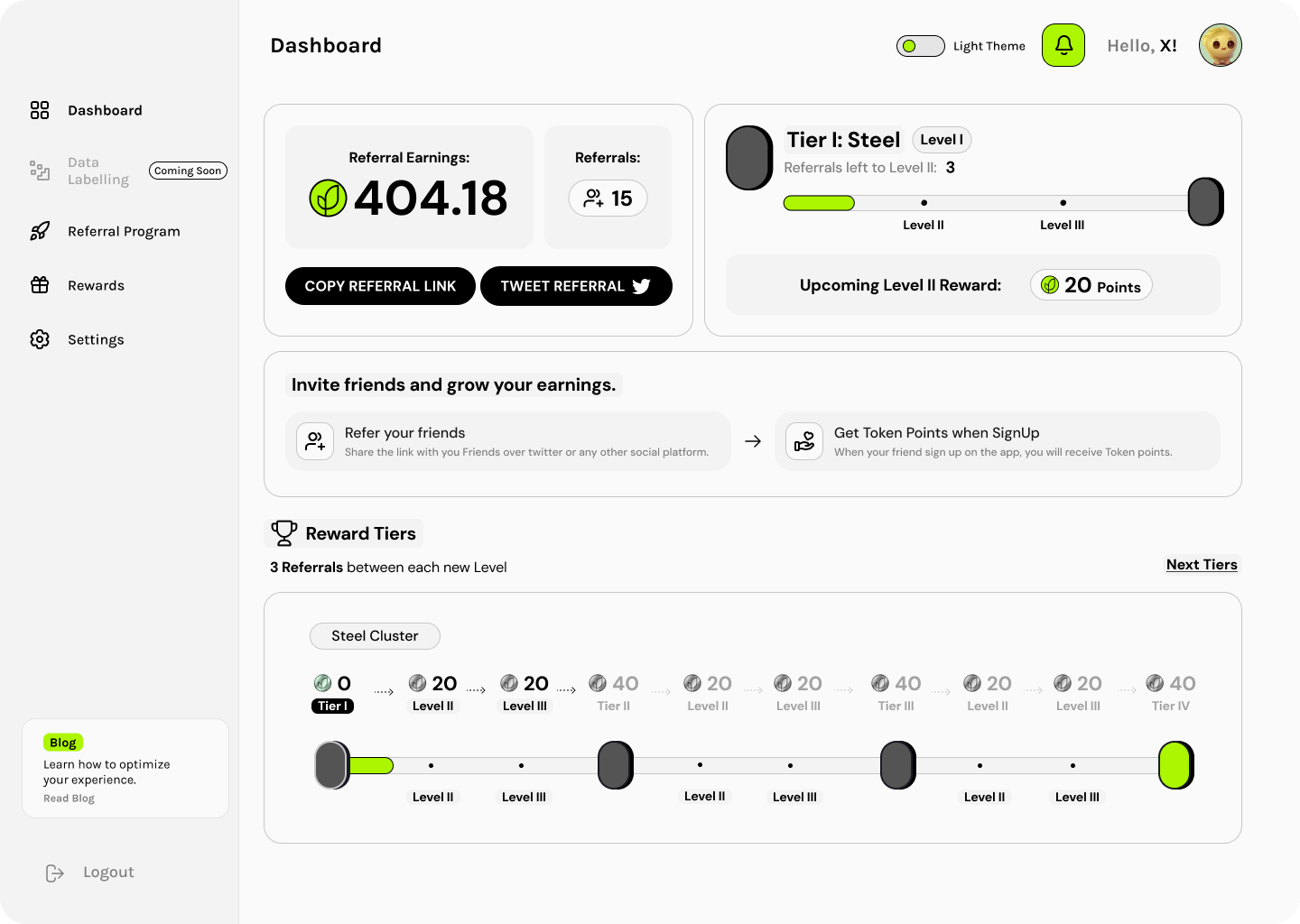
Users progress through tiers (Iron, Bronze, etc.) based on referrals and points. Each tier unlocks bonus points at completion. Progress visualization shows both referrals and points needed for next tier.
Settings & Account Management
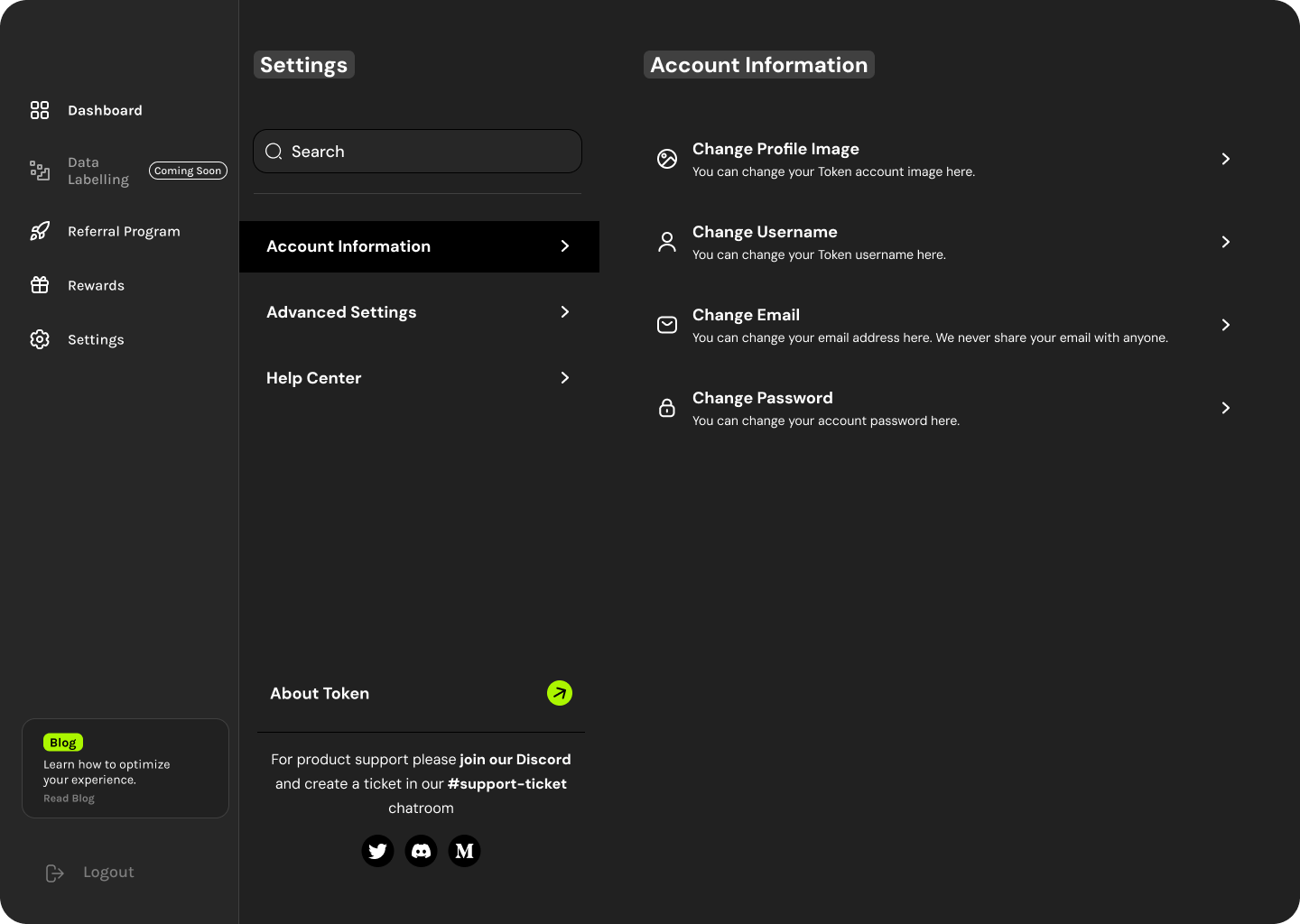
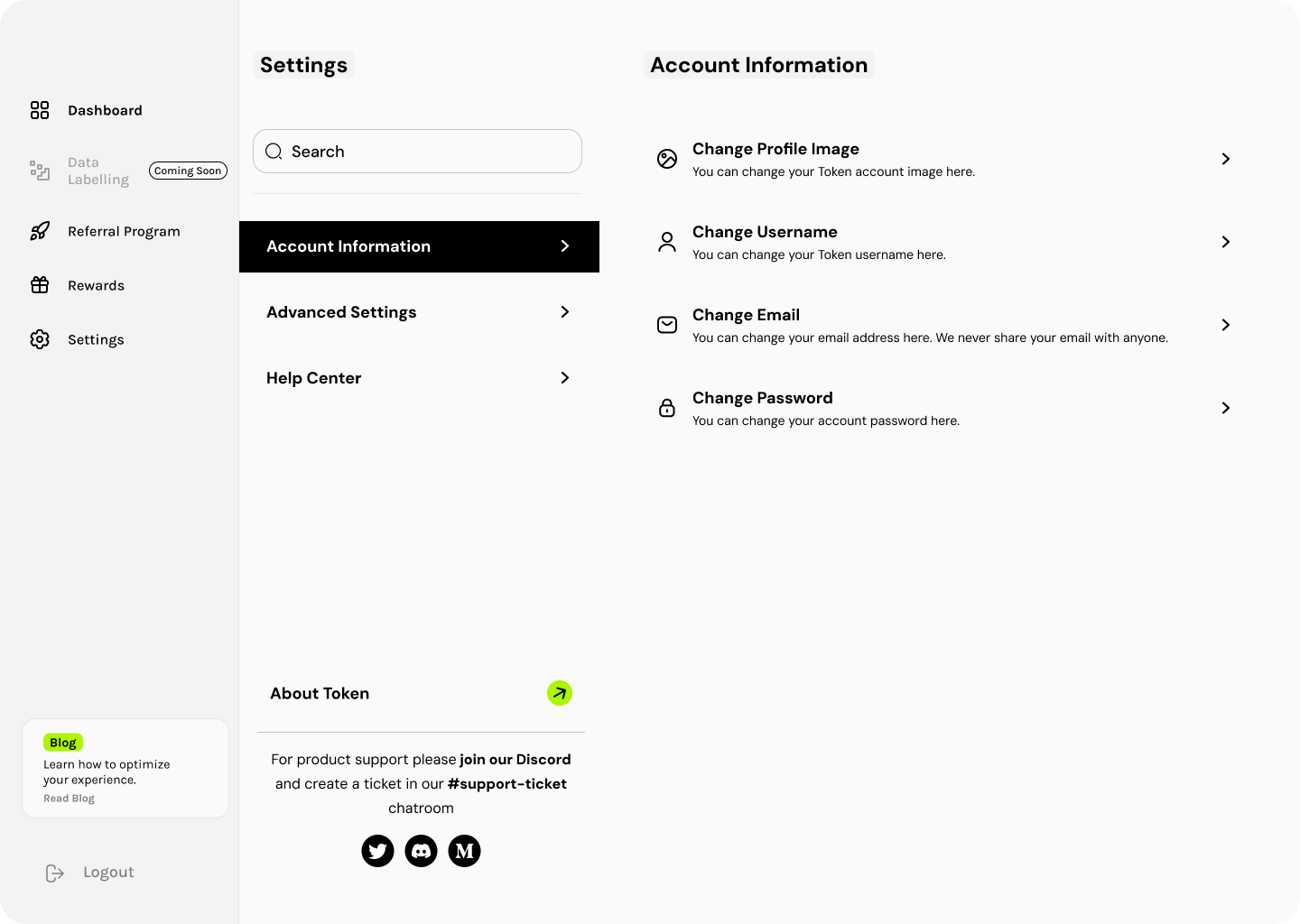
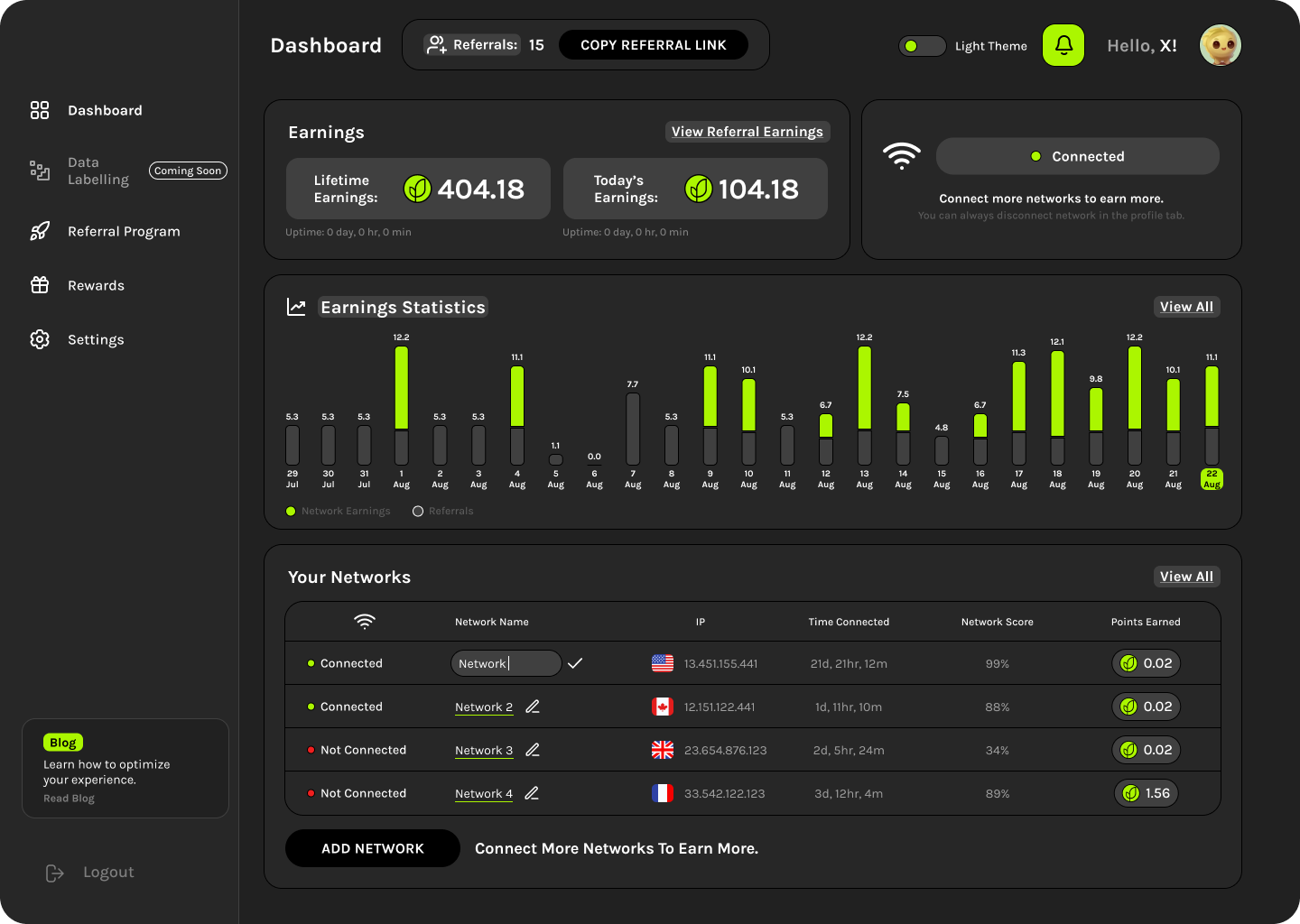
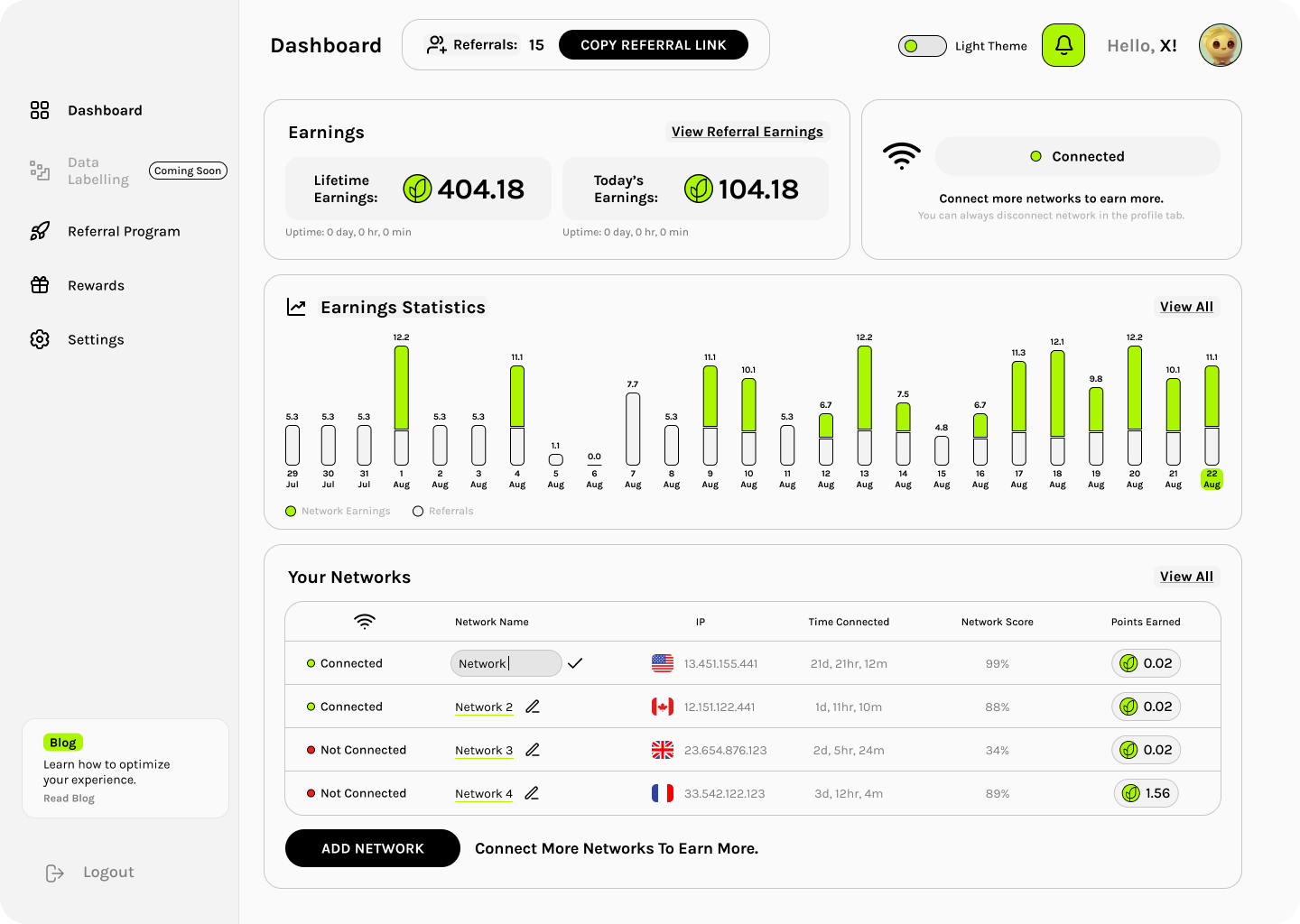
Desktop layout uses a persistent sidebar navigation with expandable settings panels. Dark and light themes maintain consistent information architecture while optimizing for each mode.
- - Dashboard
- - Data Labelling (Coming Soon)
- - Referral Program
- - Rewards
- - Settings
- - Account Information
- - Advanced Settings
- - Help Center
- - About Token
- - Change Profile Image
- - Change Username
- - Change Email
- - Change Password
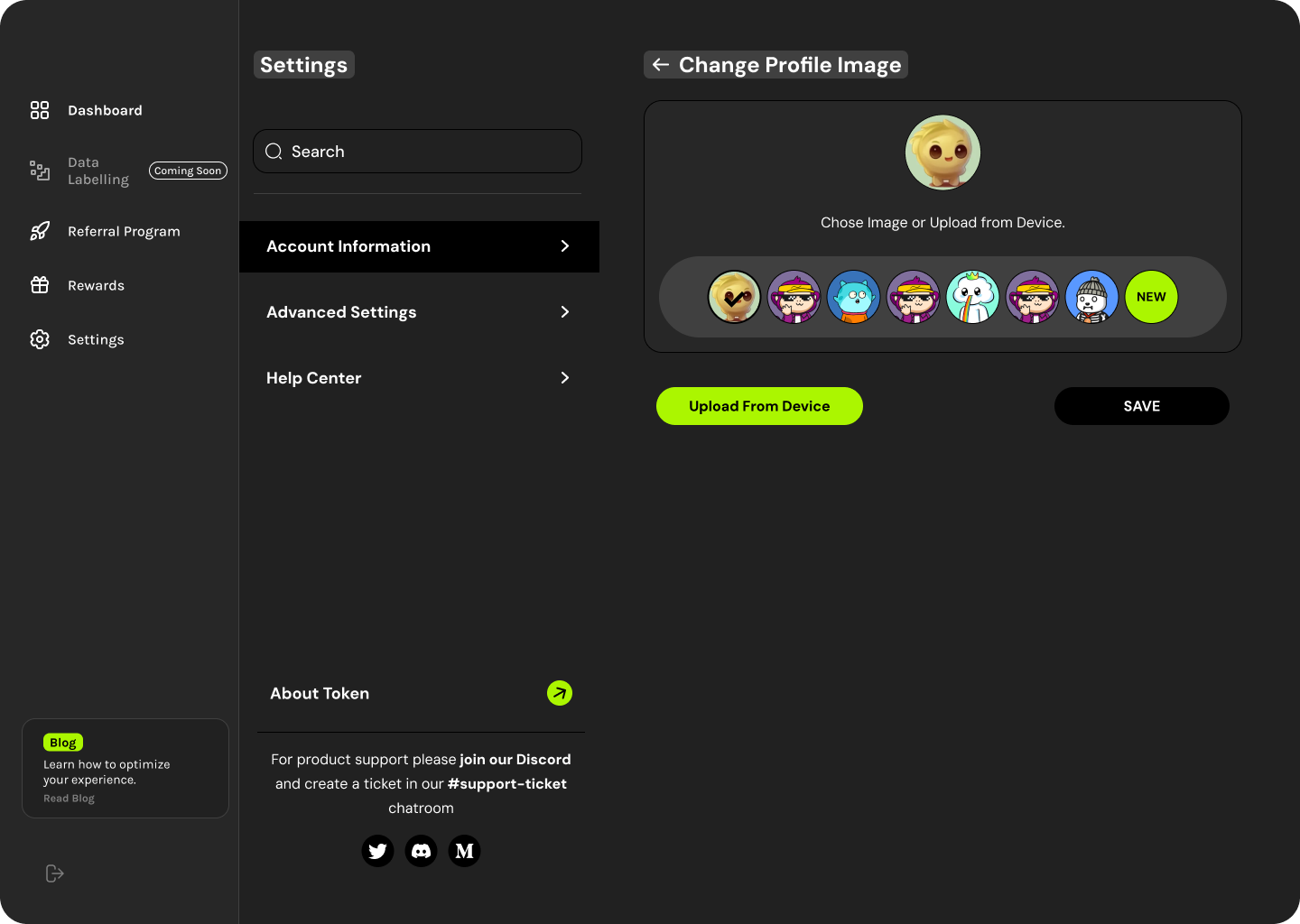
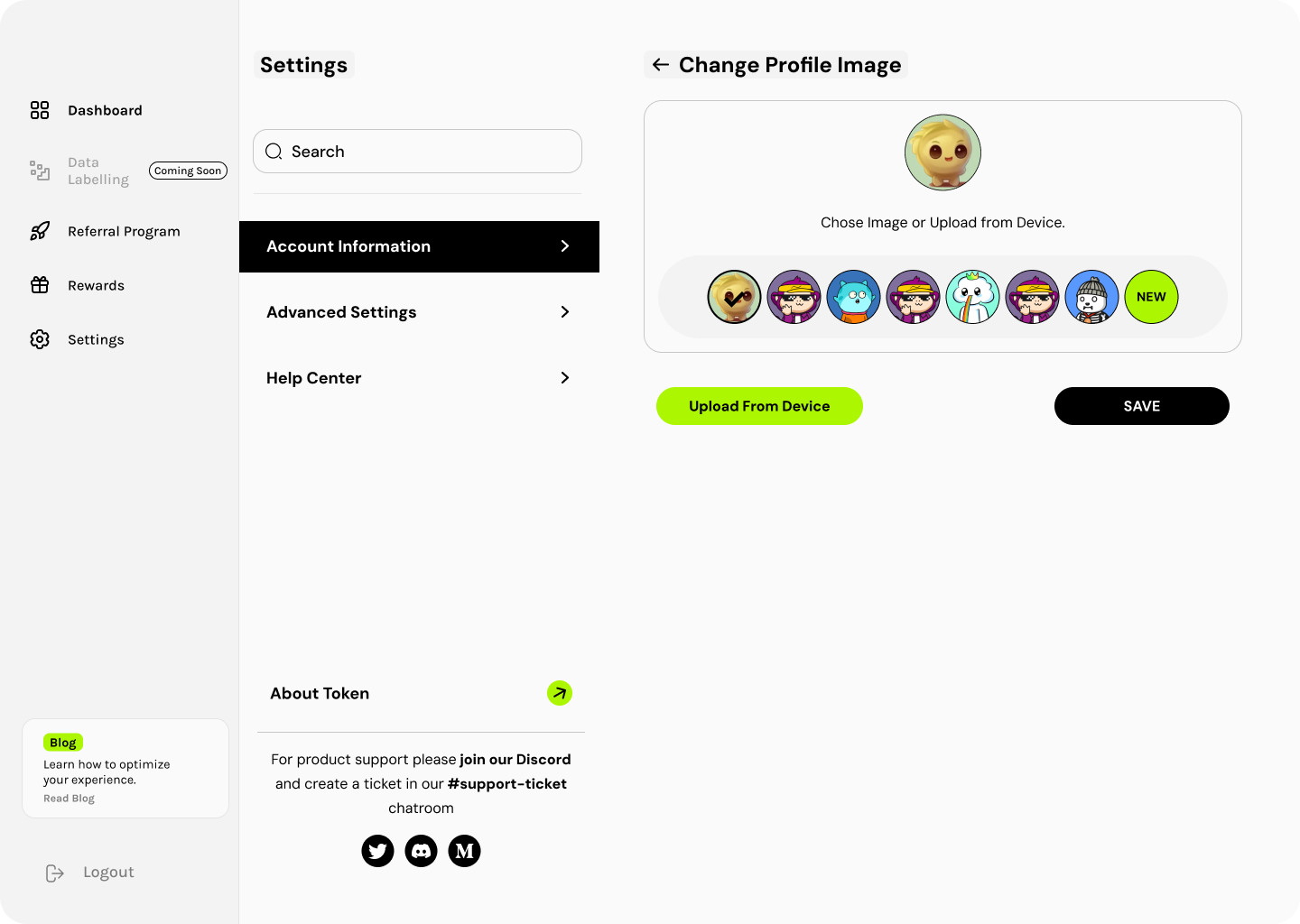
Avatar Selection System
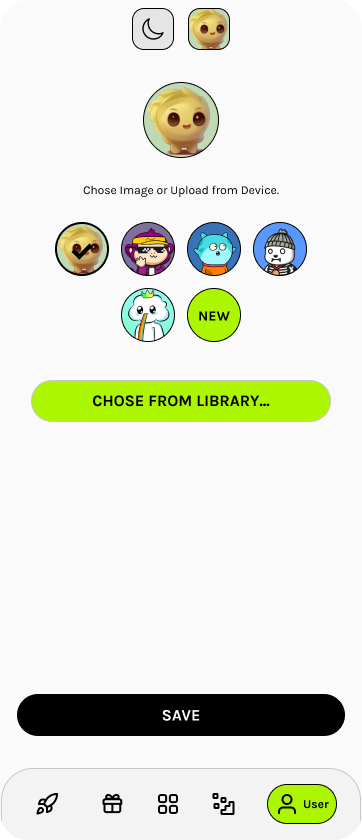
Users personalize their profile with character avatars. The selection interface shows current avatar prominently, with a row of alternatives plus an option to upload custom images.
Mobile Settings Features
The mobile avatar picker shows a curated set of character avatars with options to select from library or upload custom images.
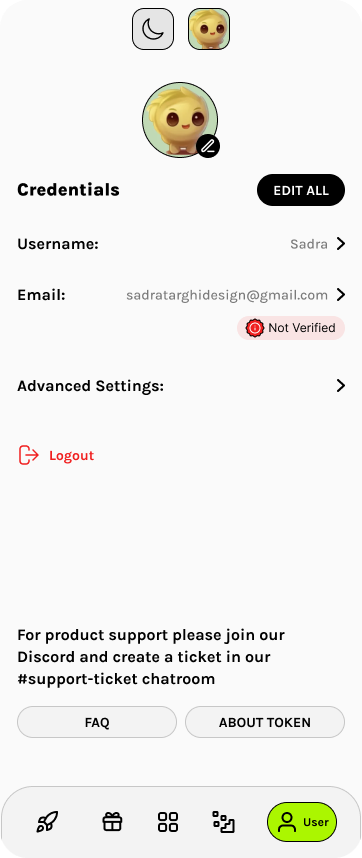
Mobile Credentials Page
The credentials view displays user info with inline edit options. Email verification status uses a red "Not Verified" badge for accounts needing attention.
- -Avatar with edit overlay
- -Edit All quick action
- -Username with navigation arrow
- -Email with verification status
- -Advanced Settings expandable
- -Logout with icon
- -FAQ and About Token links
Earnings Statistics & Network Management
The desktop dashboard features a comprehensive earnings statistics chart showing daily network earnings and referral performance over time. The networks table displays connection status, IP addresses with country flags, time connected, network scores, and points earned.
Tier Progression & Reward Clusters
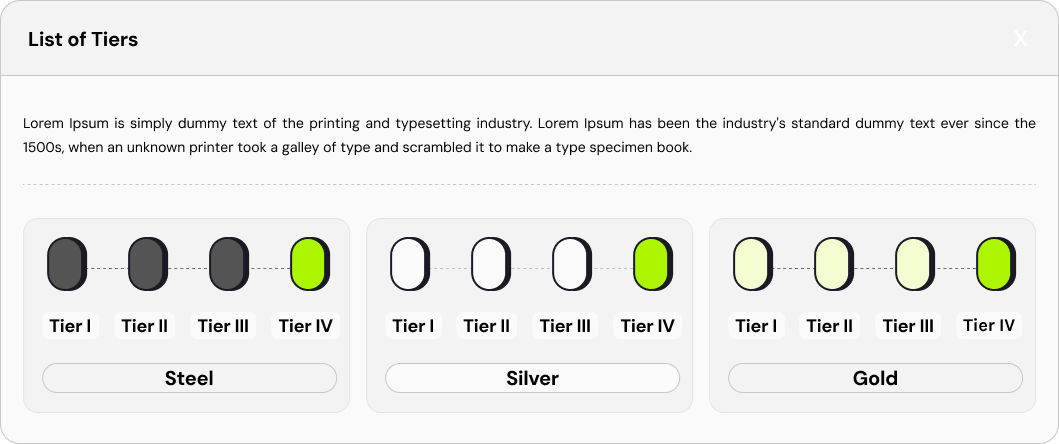
Desktop referral view shows the complete tier progression system with Steel Cluster visualization. Users can see their current tier, referrals needed for next level, and the full reward tiers roadmap from Tier I through Tier IV across multiple clusters.
Challenge Cards & Epoch History Table
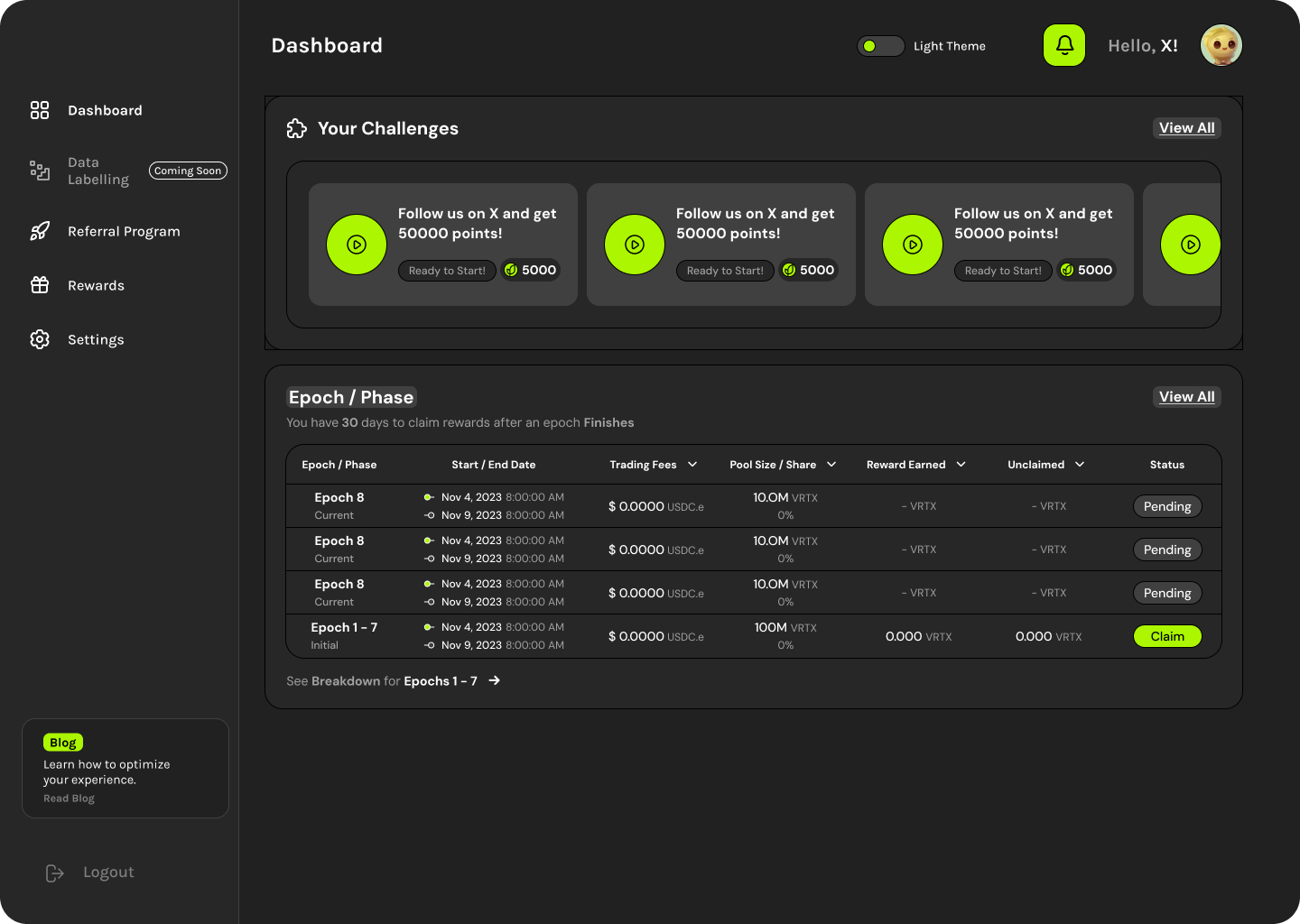
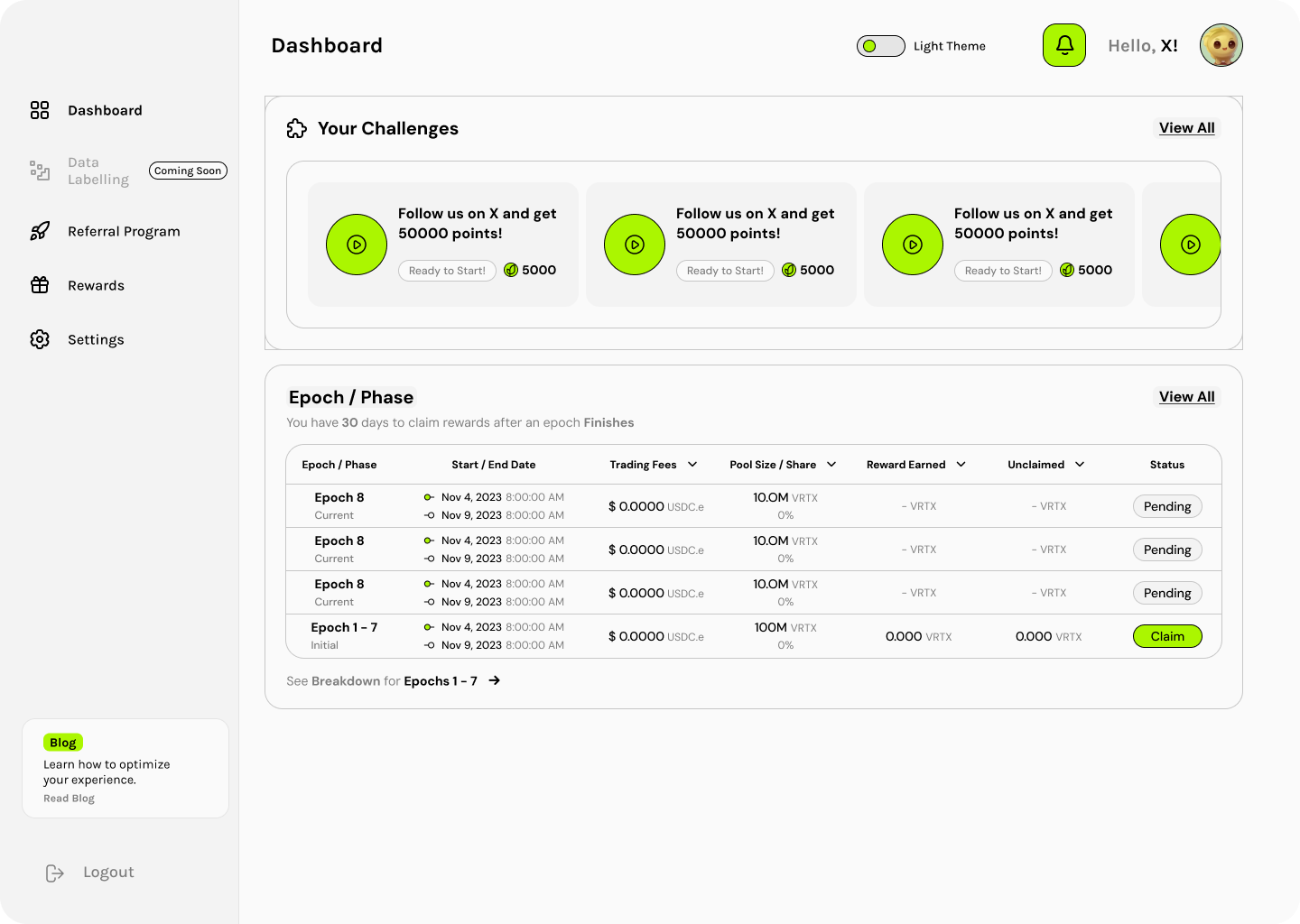
Desktop challenges view displays task cards horizontally with the Epoch/Phase table below. Users can track challenge completion status and claim rewards from completed epochs directly from the table.
Epochs Table & Wallet Verification Flow
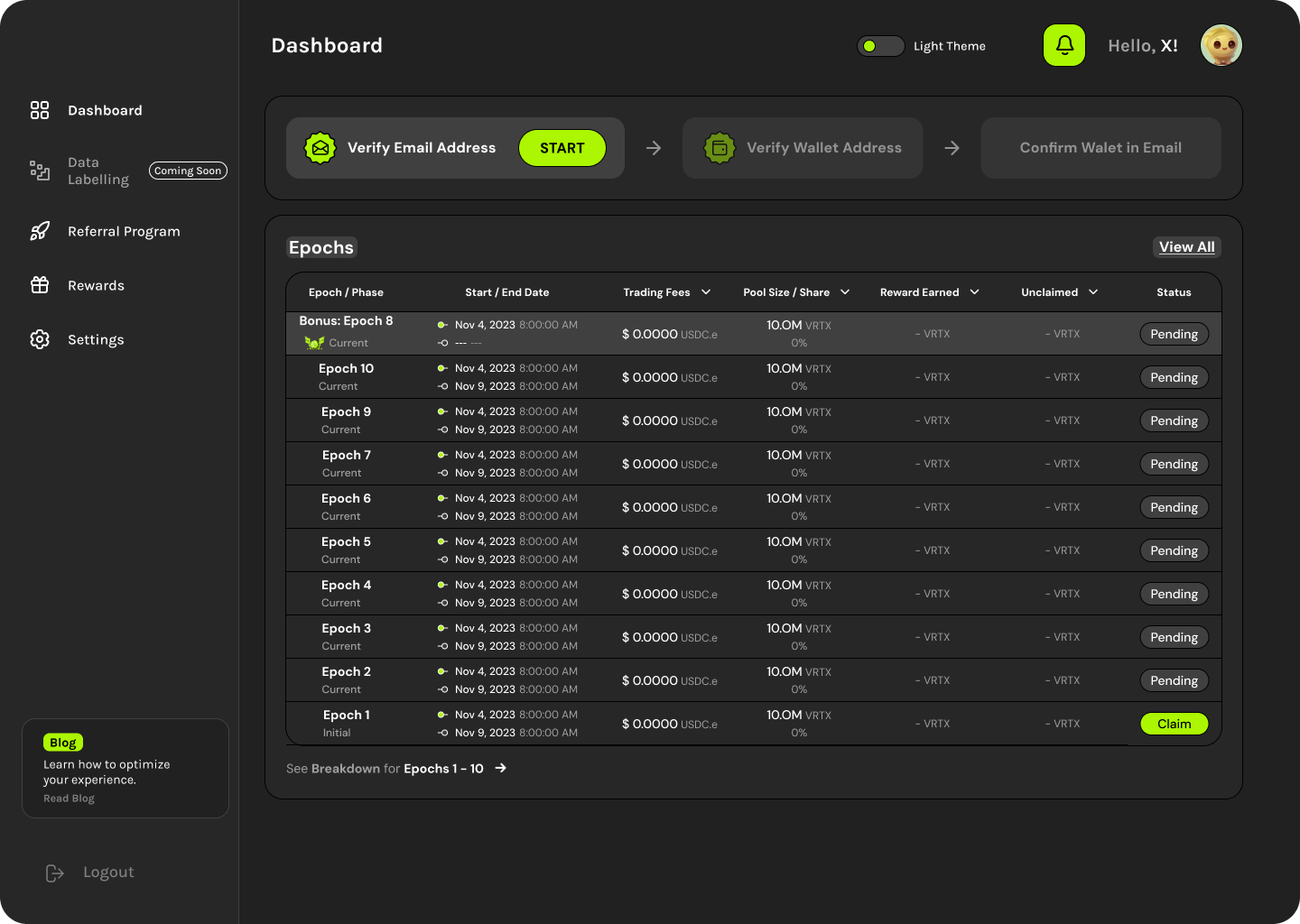
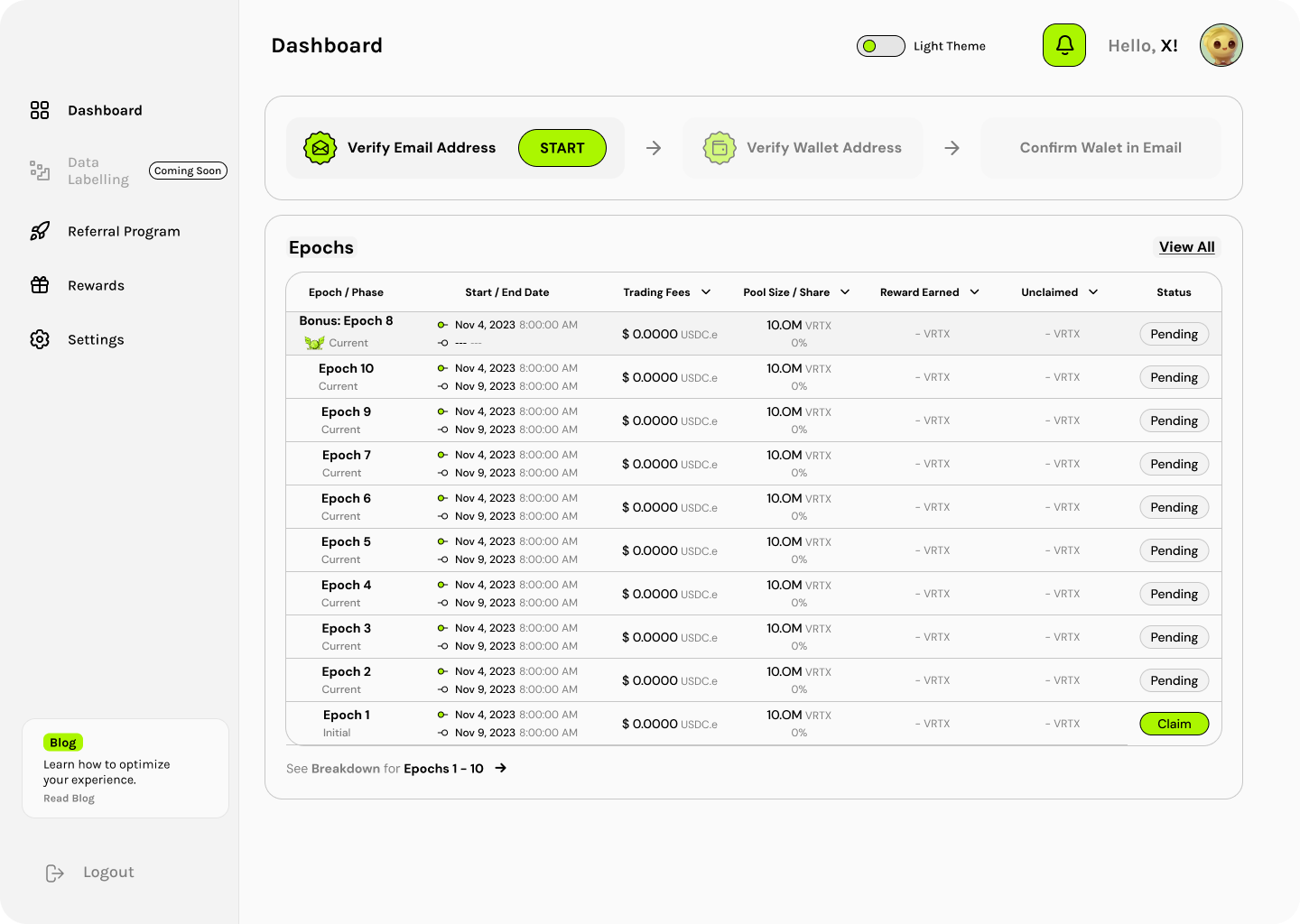
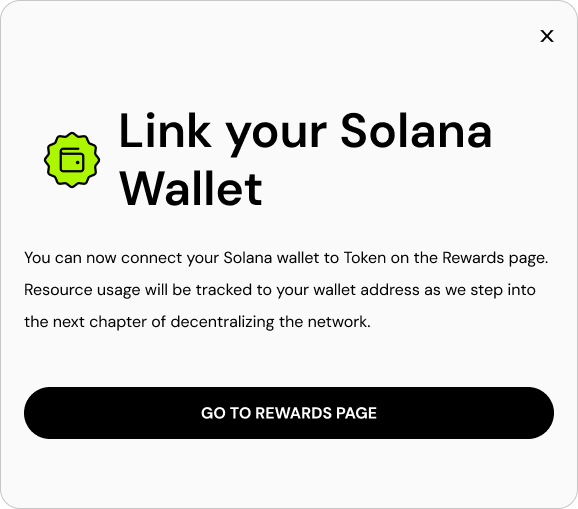
The rewards page features a multi-step verification flow (Email, Wallet, Confirmation) and detailed epochs table showing trading fees, pool size, rewards earned, unclaimed amounts, and claim status. Solana wallet integration enables decentralized reward claims.
Design Language
Color Palette
Component Patterns
- -Rounded cards with subtle shadows
- -Lime green for CTAs and progress indicators
- -Black buttons for primary actions (SAVE)
- -Outlined buttons for secondary actions
- -Bottom tab navigation with active lime highlight
- -Circular progress rings for streak tracking