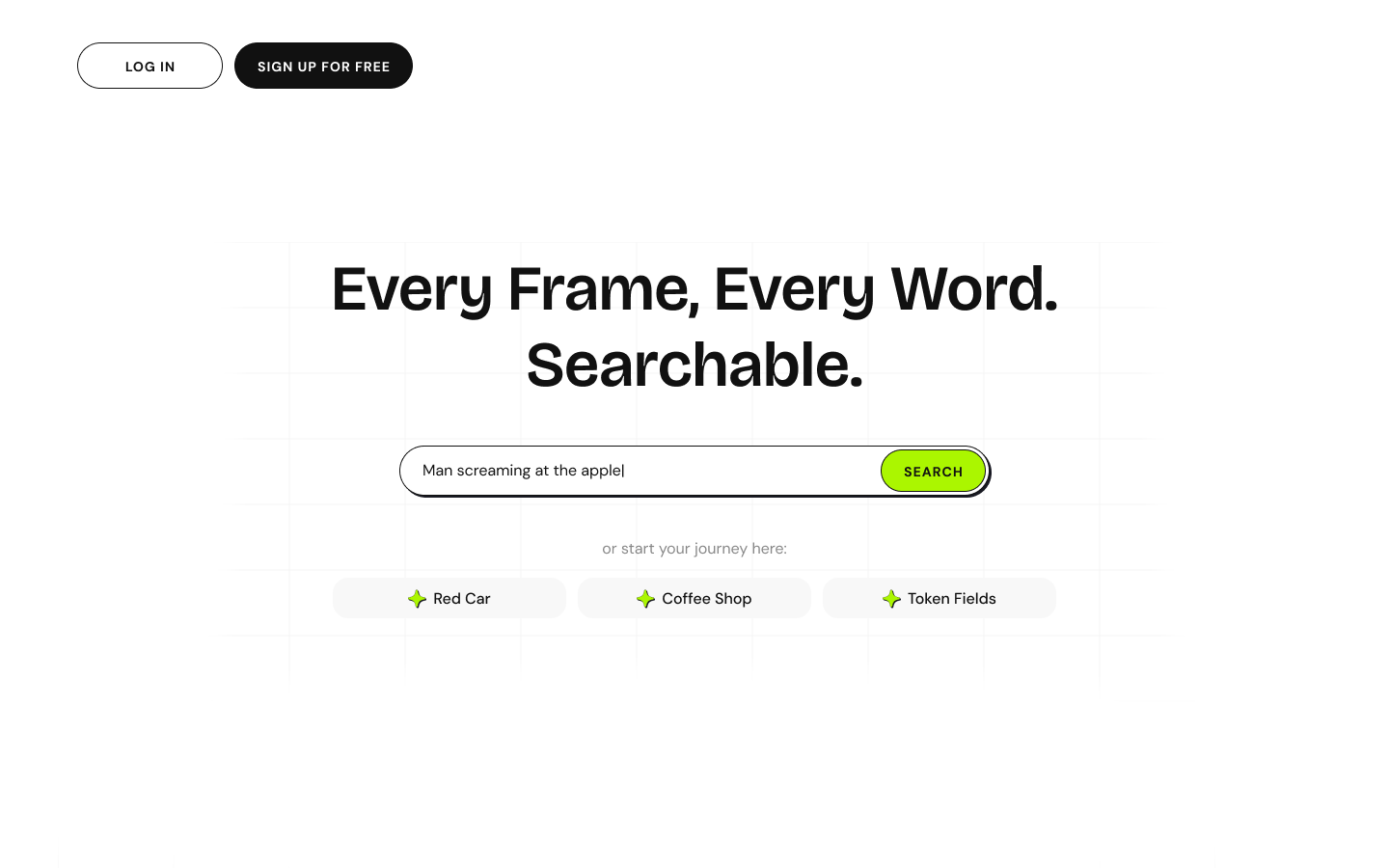
Every Frame, Every Word. Searchable.
Video Search Platform
A search-first platform for finding exact moments in videos using multimodal search. Users search by describing what they remember - a visual scene, a spoken phrase, or both - and the platform returns timestamped clips with similarity scores.
Video is a Black Box
Users remember moments, not titles. They recall "the part with the red car" or "when she said something about coffee" - but traditional search returns entire videos, not timestamps. Visual moments may have no dialogue to search at all.
Memory Gap
Users remember visuals and phrases, not video titles or metadata
Timestamp Blindness
Traditional search returns videos, not the exact moment within them
Visual-Only Moments
Important scenes may have no dialogue to search by text
Single Action
Search immediately from anywhere - no navigation required
Trust Cues
Show why a result matched with timestamp and similarity score
Fast Navigation
Preview moments without losing the results list
Power Without Clutter
Advanced controls in lightweight Filters panel
Search-First Entry Point
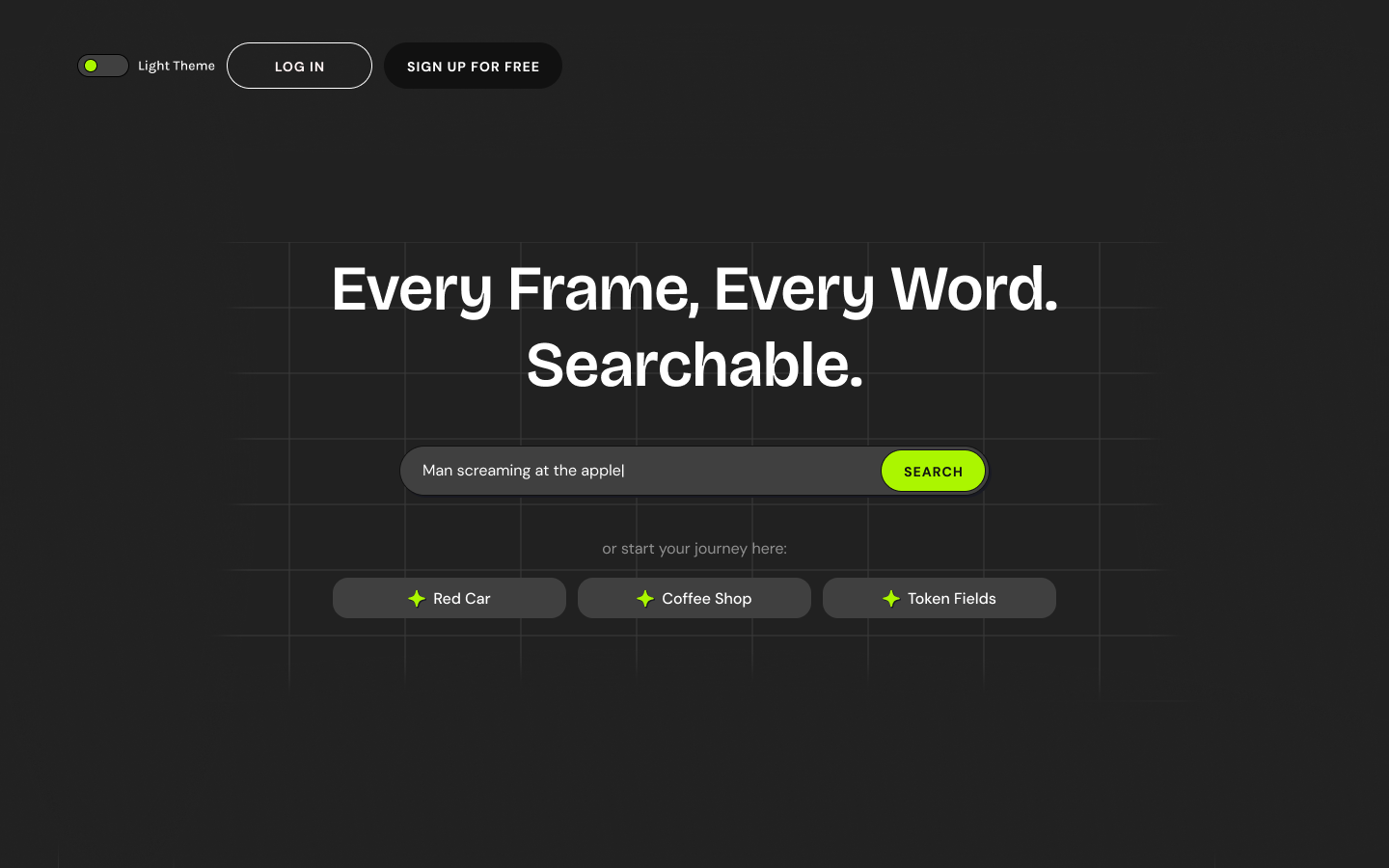
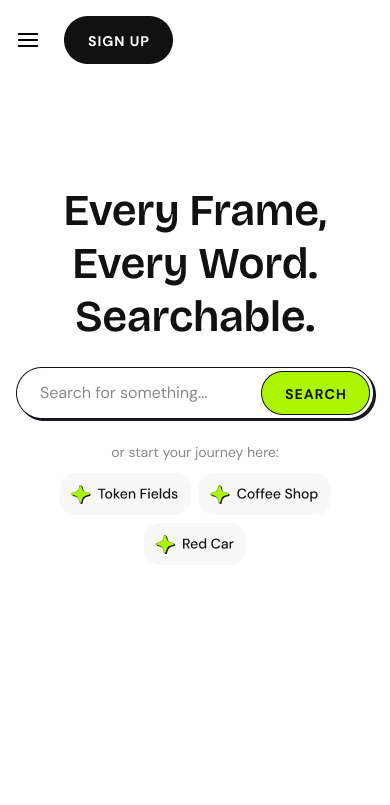
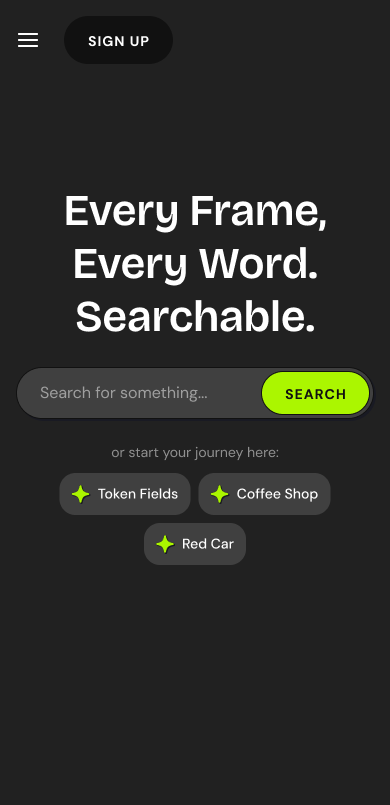
The landing page is built around one action: search. A bold headline, prominent search bar with lime accent button, and example query chips to spark ideas. No distractions, no feature tours.
Three-Column Information Architecture
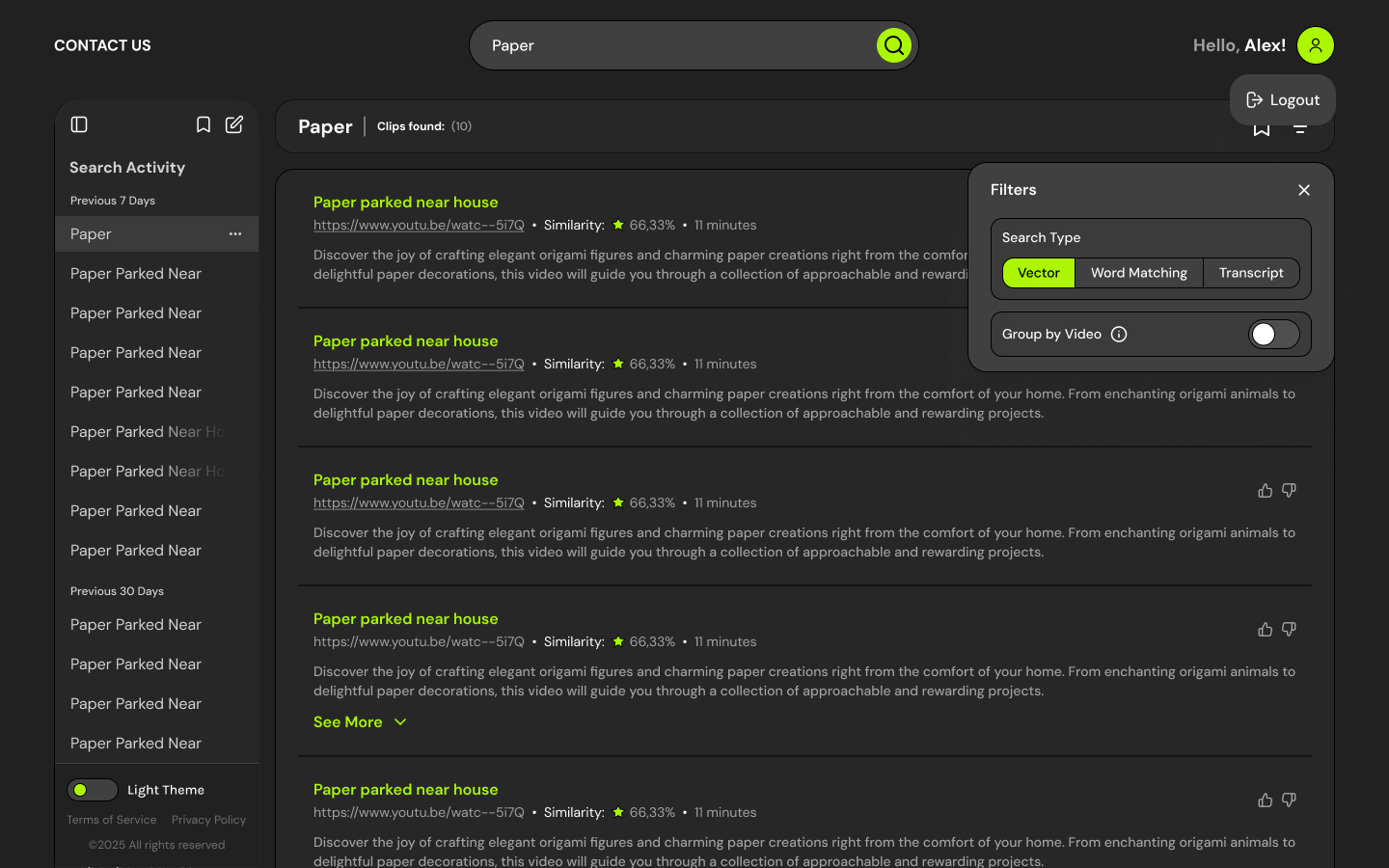
Results are displayed in a split-view layout: Search Activity sidebar (history grouped by time), main results list with clip cards, and a Filters panel for search type selection.
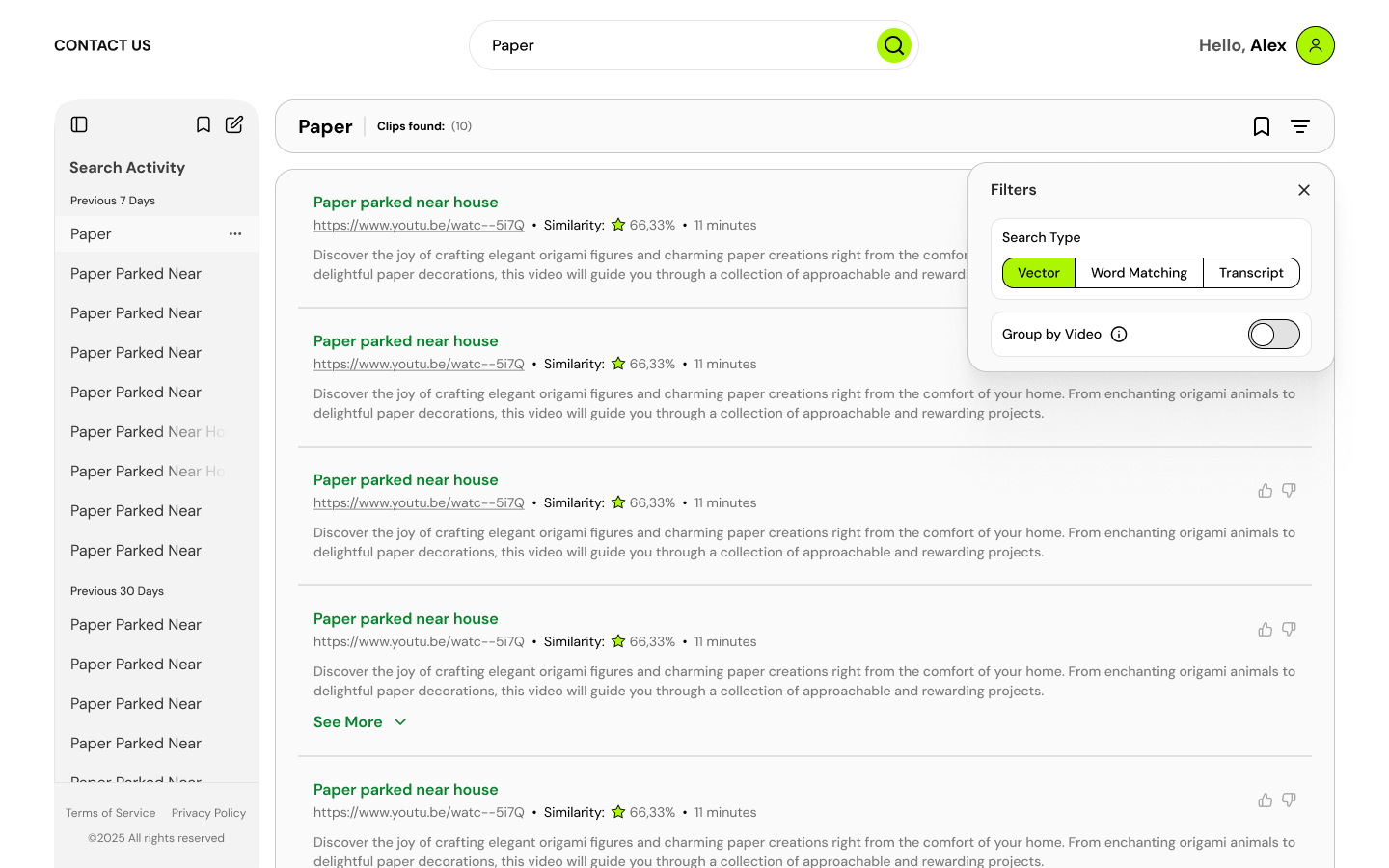
Clip Card Anatomy
- -Title with green accent link
- -Source URL (YouTube, etc.)
- -Similarity score with star icon (66.33%)
- -Duration/timestamp info
- -Description excerpt
- -Thumbs up/down feedback
Filters Panel
- -Search Type: Vector (AI visual), Word Matching, Transcript
- -Group by Video toggle
- -Lightweight modal - no page reload
- -Remembers last selection
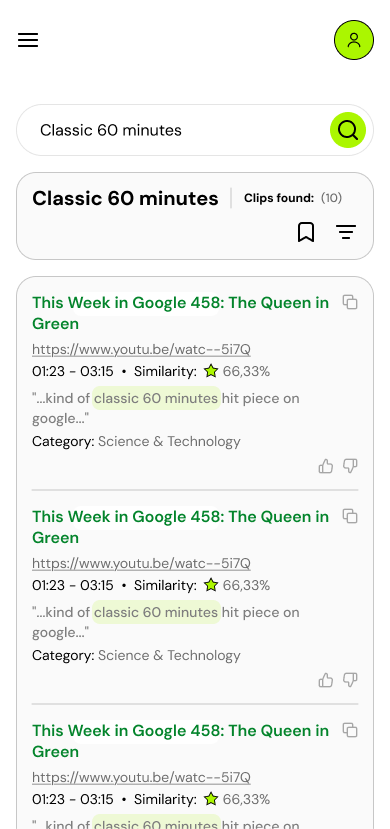
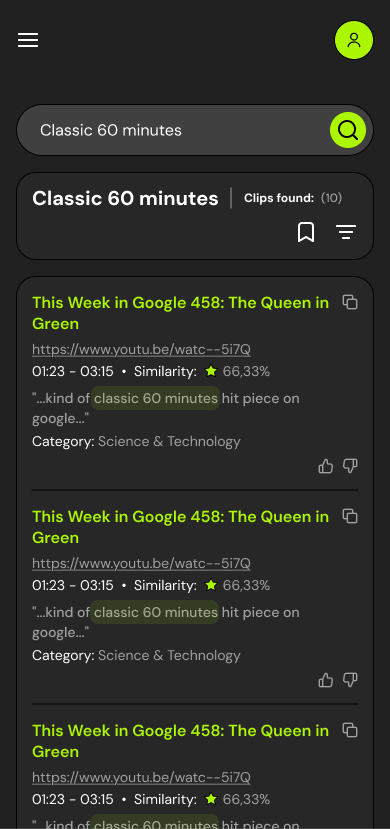
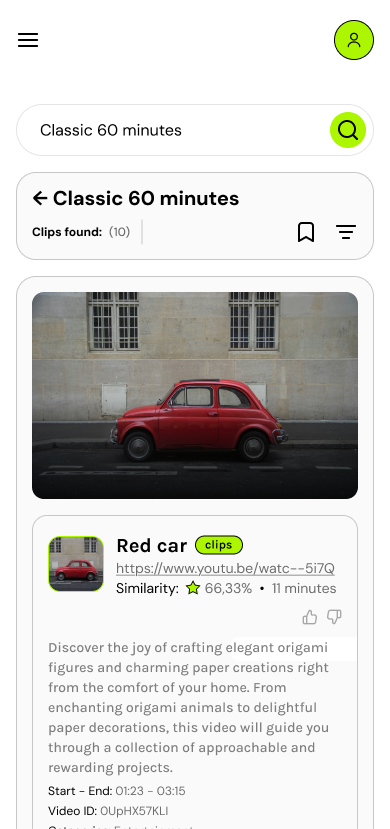
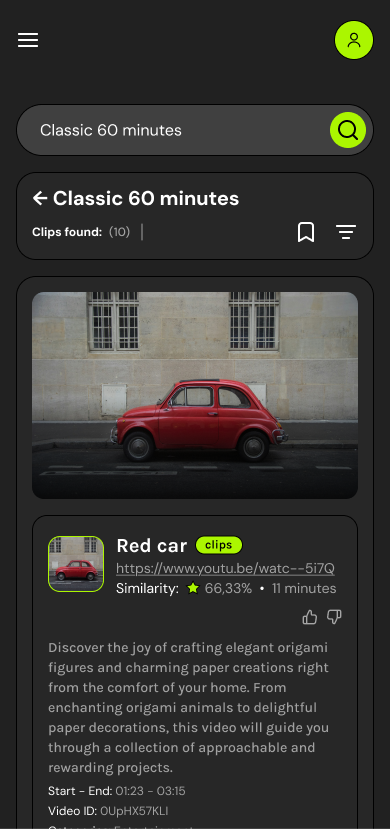
On mobile, the sidebar collapses and clip cards stack vertically. Highlighted keywords in excerpts (green underline) help users scan matches quickly. Category tags provide additional context.
Preview Without Losing Context
Selecting a clip opens a detail view with large video player, full metadata, and a persistent Search Results sidebar showing other matches. Users can preview clips without losing their search context.
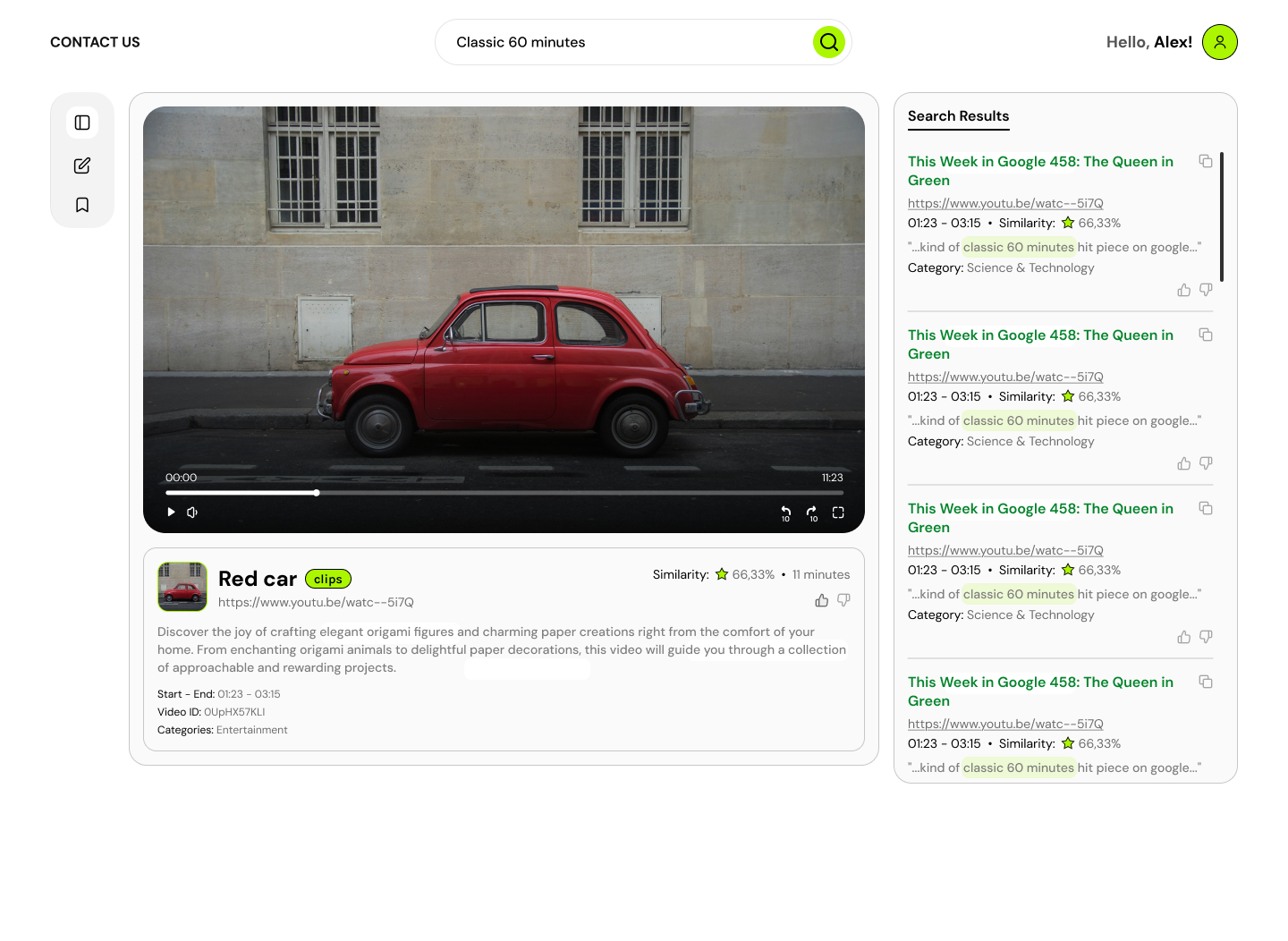
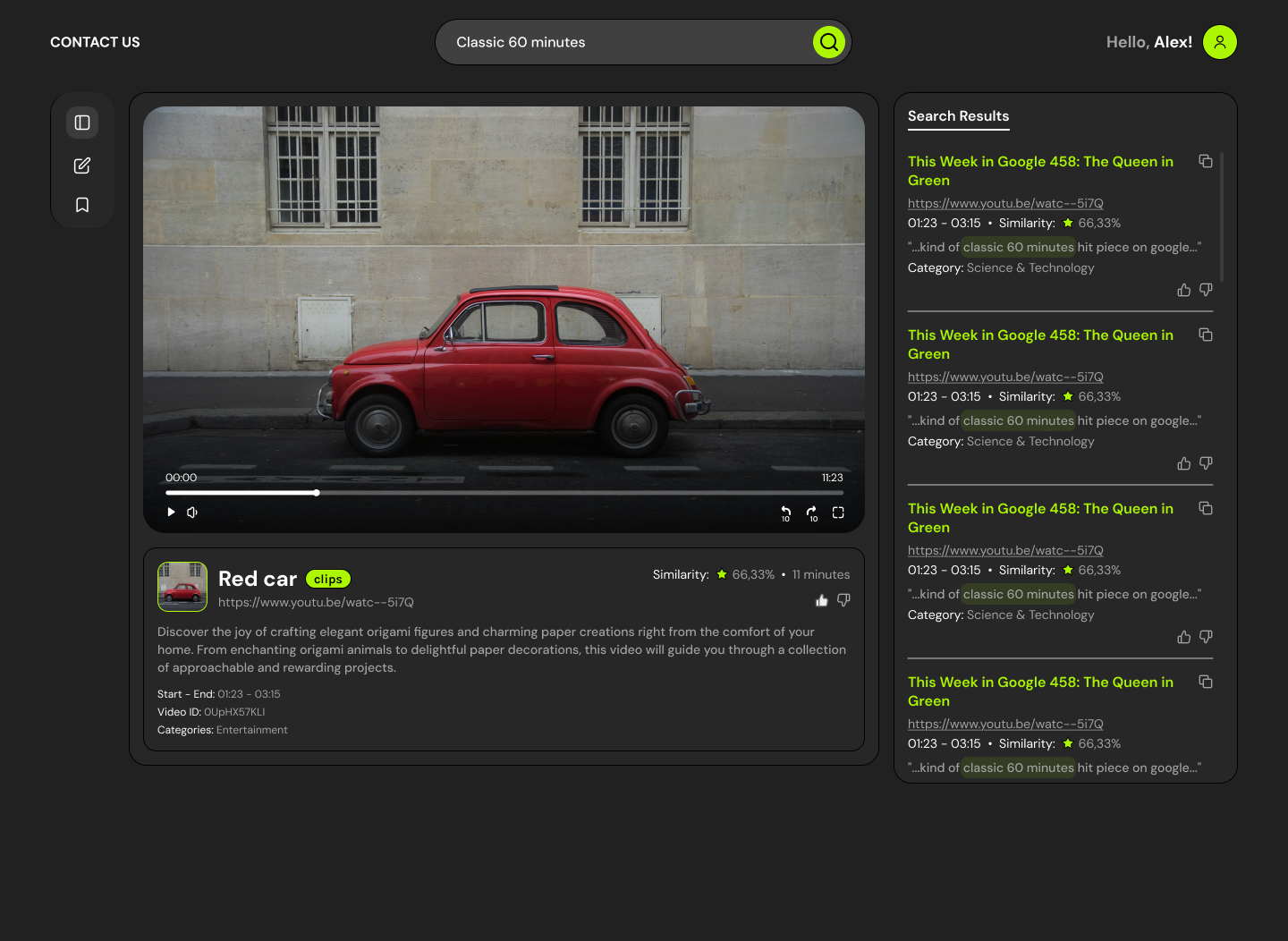
- - Large preview frame
- - Playback controls
- - Timeline scrubber
- - Volume + fullscreen
- - Title with clips badge
- - Similarity score
- - Source URL
- - Start-End timestamps
- - Video ID
- - Category
- - Persistent results list
- - Quick navigation
- - Highlighted keywords
- - Copy link action
Theme & Visual Language
Color Strategy
- +Dark theme: Deep gray background, white text, subtle borders
- +Light theme: Clean white, soft grays, high contrast
- +Neon lime accent (#BFFF00) for CTAs and active states
- +Green for links and highlighted keywords
- +Yellow star for similarity scores
Responsive Strategy
- +Desktop: Split-view for scanning and previewing simultaneously
- +Mobile: Prioritized search + stacked list for readability
- +Theme toggle in header for user preference
- +Consistent interaction patterns across breakpoints
Three Search Modes
Vector Search
AI-powered semantic search across visual frames. Find scenes by describing what you see.
Word Matching
Exact keyword matching in video metadata and descriptions. Fast and precise.
Transcript Search
Full-text search across spoken dialogue. Find moments by what was said.
A search platform that treats video like a searchable document. Users describe what they remember, and the system returns the exact timestamp with confidence scores - transforming video from a black box into an indexed, navigable resource.
Every frame, every word - now searchable.